
Introduction
The demand for free AI tools for students has grown rapidly as schools, colleges, and universities increasingly integrate artificial intelligence into learning. In 2026, students are expected to manage research, writing, presentations, note-taking, and exam preparation more efficiently than ever before.
The good news is that many powerful AI tools are available at no cost. Whether you’re a high school student in the United States, a university student in Canada, or an international learner in the UK or Europe, the right AI tools can help you study smarter, save time, and improve academic performance.
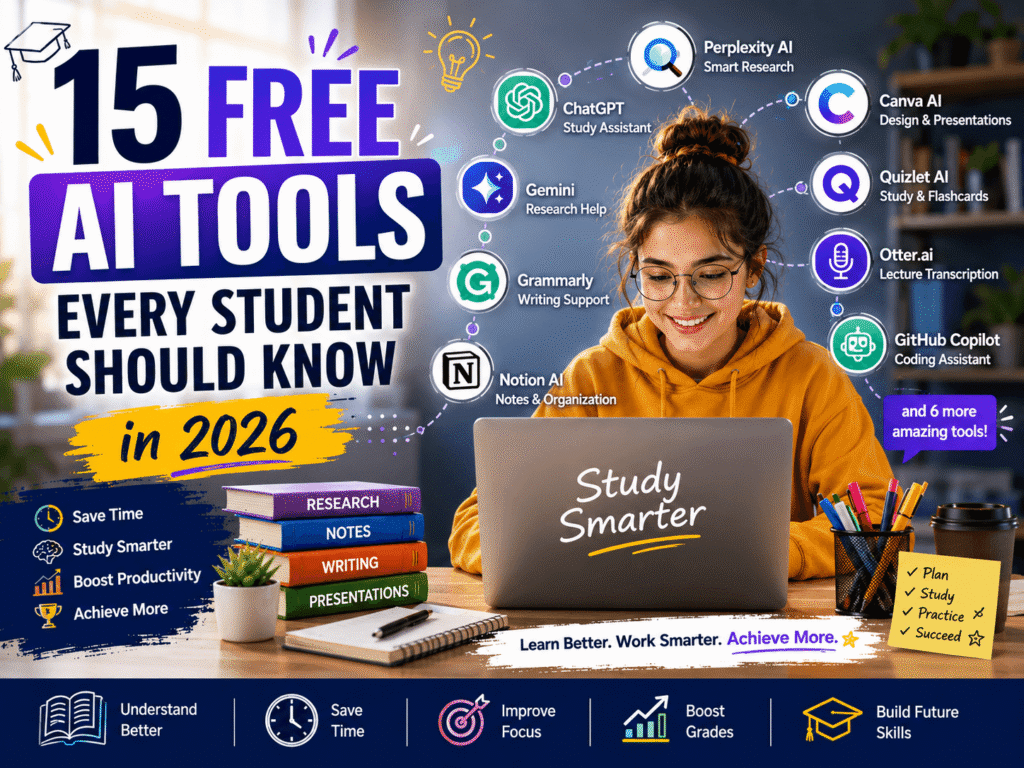
In this guide, you’ll discover 15 free AI tools every student should know, along with practical tips on how to use them effectively without relying on AI to do all the work for you.
Table of Contents
- The best free AI tools for studying and productivity
- How each tool can help students
- Benefits of using AI responsibly
- Best practices for academic success
- Common mistakes to avoid
Why AI Tools Matter for Students in 2026
Students today face several challenges:
- Large amounts of reading material
- Tight assignment deadlines
- Research-heavy coursework
- Presentation preparation
- Note organization
- Exam revision
AI tools can help reduce repetitive tasks so students can focus on understanding concepts rather than spending hours formatting notes or searching for information.
According to
UNESCO
, AI has the potential to support personalized learning and improve access to educational resources worldwide.
The 15 Best Free AI Tools for Students
1. ChatGPT – Best for Study Assistance
ChatGPT remains one of the most versatile AI study tools available.
Best for:
- Explaining difficult concepts
- Creating study guides
- Generating quiz questions
- Summarizing notes
Example: Ask ChatGPT to explain photosynthesis “as if teaching a 15-year-old student.”
2. Google Gemini – Best for Research Support
Google Gemini integrates well with Google Docs and other Google Workspace tools.
Useful for:
- Brainstorming essay ideas
- Research outlines
- Comparing sources
- Drafting project plans
Example: Generate a comparison outline for renewable energy policies in the UK and Germany.
3. Microsoft Copilot – Best for Productivity
Microsoft Copilot works inside Microsoft Word and PowerPoint.
Helpful for:
- Drafting assignments
- Creating presentation content
- Summarizing documents
- Organizing project tasks
4. Grammarly – Best for Writing Quality
Grammarly helps students improve grammar, clarity, and tone.
Why students love it:
- Catches grammar mistakes
- Improves sentence structure
- Enhances readability
- Provides writing suggestions
5. Notion AI – Best for Note Organization
Notion AI can summarize lecture notes and organize study materials.
Use it to:
- Create study dashboards
- Summarize long notes
- Generate task lists
- Plan exam schedules
6. Perplexity AI – Best for Quick Research
Perplexity AI provides answers with cited sources.
Ideal for:
- Fact-checking
- Finding academic sources
- Getting concise explanations
- Exploring new topics
Tip: Always verify sources before using them in academic assignments.
7. Canva Magic Design – Best for Presentations
Canva includes AI-powered presentation and design features.
Perfect for:
- Class presentations
- Infographics
- Study posters
- Group project visuals
8. Quizlet AI – Best for Exam Preparation
Quizlet helps generate flashcards and practice questions.
Useful for:
- Language learning
- Medical terminology
- History dates
- Science definitions
9. Otter.ai – Best for Lecture Transcription
Otter.ai can record and transcribe lectures.
Benefits:
- Captures spoken information
- Creates searchable notes
- Helps with revision
- Saves note-taking time
10. GitHub Copilot (Student Access) – Best for Coding Students
Programming students should explore
GitHub Copilot
through the
GitHub Education
program.
Great for:
- Learning programming syntax
- Debugging code
- Exploring new languages
Building practice projects
11. Claude – Best for Deep Reading and Writing Support
Claude is designed to understand long documents and provide thoughtful, well-structured responses. It’s particularly useful for students working on essays, research papers, and literature reviews.
Best for:
- Summarizing lengthy articles and PDFs
- Brainstorming essay ideas
- Improving the structure of written assignments
- Understanding complex academic topics
Example: Upload a research article and ask Claude to explain the key findings in simple language before you start writing your own summary.
12. Gamma – Best for AI-Powered Presentations
Creating presentations from scratch can be time-consuming. Gamma helps students turn ideas into professional-looking presentations within minutes.
Ideal for:
- Classroom presentations
- Project proposals
- Visual reports
- Study summaries
Instead of spending hours designing slides, you can focus on refining your content and practicing your presentation.
13. ElevenLabs – Best for Listening to Study Material
Many students learn better by listening rather than reading. ElevenLabs converts text into natural-sounding speech, making it easier to review notes while commuting, exercising, or taking a walk.
Useful for:
- Listening to lecture notes
- Reviewing study guides
- Improving language pronunciation
- Accessibility support
This can be especially helpful for auditory learners or students with busy schedules.
14. Google NotebookLM – Best for Learning from Your Own Sources
NotebookLM is an AI-powered research assistant that works with documents you upload, allowing it to answer questions based on your own study materials rather than the open web.
Great for:
- Research projects
- Exam preparation
- Course notes
- PDF analysis
Instead of searching through dozens of pages, you can ask questions about your uploaded material and receive focused answers.
15. Canva AI Image Generator – Best for Creative Projects
Visual communication has become an important part of education. Canva’s AI features help students create illustrations, diagrams, posters, and social media graphics for academic projects.
Perfect for:
- Infographics
- Science posters
- Marketing assignments
- Visual storytelling
- Classroom presentations
Remember that good visuals should support your ideas—not replace solid research.
How to Choose the Right AI Tool
With so many options available, you don’t need to use every tool. Choose the ones that match your study habits and academic needs.
If you need help with writing:
- ChatGPT
- Claude
- Grammarly
If you’re doing research:
- Perplexity AI
- Google Gemini
- NotebookLM
If you’re preparing for exams:
- Quizlet AI
- Notion AI
- Otter.ai
If you’re creating presentations:
- Canva
- Gamma
- Microsoft Copilot
Using two or three complementary tools is often more effective than switching between many different platforms.
Tips for Using AI Responsibly
Artificial intelligence should support your education—not replace your own thinking.
Follow these best practices:
- Verify important facts using trusted sources.
- Understand concepts before using AI-generated summaries.
- Never submit AI-generated work without editing it.
- Follow your school’s academic integrity guidelines.
- Protect your personal information and avoid uploading sensitive documents unless you trust the platform’s privacy policy.
Students who use AI as a learning assistant generally develop stronger research and problem-solving skills than those who depend on AI to do the work for them.
Benefits of Using Free AI Tools for Students
Save Time
Automate summaries, formatting, and organization.
Improve Understanding
Get simplified explanations for complex subjects.
Enhance Writing
Receive grammar and clarity suggestions.
Stay Organized
Manage notes, tasks, and deadlines efficiently.
Prepare Better for Exams
Generate flashcards, quizzes, and revision materials.
Quick Example 30 minutes
Instead of spending 3 hours creating revision notes manually:
- Use Otter.ai to transcribe the lecture.
- Use Notion AI to summarize the transcript.
- Use Quizlet to generate flashcards.
- Review the material in under 30 minutes.
Benefits of Using Free AI Tools for Students
Best Practices for Academic Success
Use AI as a Tutor, Not a Replacement
Ask AI to explain concepts, but write assignments in your own words.
Verify Information
Cross-check facts using reliable academic sources.
Combine Multiple Tools
A research workflow might look like this:
- Perplexity AI
- ChatGPT
- Grammarly
- Canva
Research sources → Understand concepts → Improve writing → Create presentation
Protect Academic Integrity
Most universities allow AI-assisted learning but prohibit submitting AI-generated work as your own. Always check your institution’s policy.
Common Mistakes to Avoid
Avoid These Errors
- Copying AI output directly into assignments
- Using uncited information from AI tools
- Ignoring fact-checking
- Over-relying on AI for critical thinking
- Sharing sensitive personal or academic data
Practical Checklist
Before Using Any AI Tool
Verify the information
Cross-check important facts with reliable sources.
Rewrite explanations in your own words
Use AI for understanding, not for direct submission.
Cite sources when required
Follow your school or university citation guidelines.
Use AI to support learning, not replace it
Keep practicing problem-solving and critical thinking.
Keep your notes organized
Store summaries, flashcards, and deadlines in one place.
Tips for Using AI Responsibly
Artificial intelligence should support your education—not replace your own thinking.
Follow these best practices:
- Verify important facts using trusted sources.
- Understand concepts before using AI-generated summaries.
- Never submit AI-generated work without editing it.
- Follow your school’s academic integrity guidelines.
- Protect your personal information and avoid uploading sensitive documents unless you trust the platform’s privacy policy.
Students who use AI as a learning assistant generally develop stronger research and problem-solving skills than those who depend on AI to do the work for them.
Why Learning AI Skills Matters
AI is no longer limited to technology professionals. Employers increasingly value graduates who know how to use AI responsibly for research, communication, data analysis, and productivity.
By becoming familiar with these free AI tools now, you’ll build digital skills that can benefit you throughout university and your future career.
The goal isn’t to let AI think for you—it’s to free up time for deeper learning, creativity, and critical thinking.
Frequently Asked Questions
What is the best free AI tool for students in 2026?
ChatGPT remains one of the best all-around free AI tools for students because it helps explain concepts, generate study materials, brainstorm ideas, and support learning across many subjects.
Are free AI tools safe for students?
Most reputable AI platforms are safe when used responsibly. Always review the platform’s privacy policy and avoid uploading confidential or sensitive academic information.
Can students use AI for homework?
Yes, AI can help students understand topics, generate practice questions, and organize ideas. However, assignments should always reflect your own understanding and comply with your school’s academic integrity policies.
Which AI tool is best for research?
Perplexity AI, Google NotebookLM, and Google Gemini are excellent choices for research because they help students explore information, summarize sources, and organize findings more efficiently.
Will AI replace traditional studying?
No. AI is a learning assistant, not a replacement for studying. Students still need to read, think critically, practice problem-solving, and develop their own knowledge.
Conclusion
Using free AI tools for students can help you study smarter, stay organized, and save valuable time. Whether you’re writing assignments, researching topics, or preparing for exams, the right AI tools can make learning more efficient while supporting your own skills and creativity.
Pingback: Best ChatGPT Prompts for Exam Preparation
Pingback: How to Summarize Research Papers Using AI
Pingback: ChatGPT vs Google Gemini for Students: Which AI Tool Is Better? -